What should a travel agency and tour company website include?
A travel agency website is not a brochure but a sales channel. From the tour page and availability to deposits and reminders, we explain step by step what selling tours online requires.
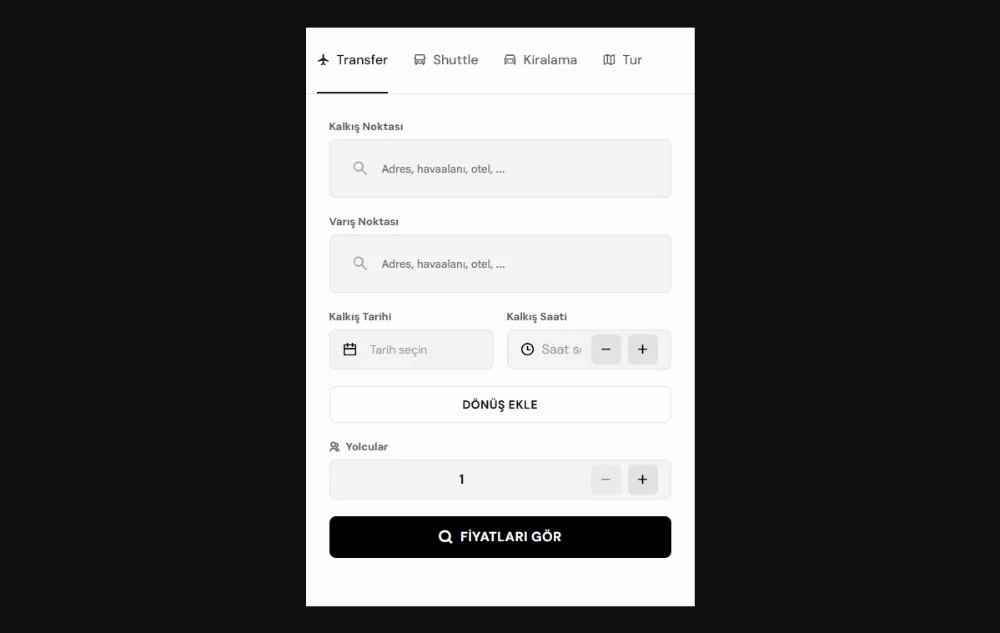
On a good tour sales website, guests choose their date, see the price and complete the booking with payment on the same page where they found the tour. A site that shares the itinerary as a PDF and says “call for information” promotes but does not sell. When you think about what a travel agency website should be, start from this difference: a sales website brings sales and operations together in one structure.
In this article we go through the building blocks of selling tours online, one at a time, for inbound travel agencies, tour operators and businesses selling day tours in central Antalya, Kemer or Side. Here we expand on the tour and agency section of our tourism website guide, which covers transfers, tours and health tourism together.
How a travel agency website differs from a brochure
A brochure site describes the tours and leaves the decision to the phone and email. Guests may decide outside office hours, on their phone and in their own language; if they get no answer at that moment, they move on to another site. A tour booking website closes this gap and catches guests at the moment of decision.
The difference between the two shows in a few concrete points:
- Date and group size: The guest chooses the date and the number of people, and the system shows the available departures.
- A clear price: The price is calculated instantly by season, number of people and the extras chosen.
- Online payment: The booking is completed on the site with a deposit or full payment.
- Automatic confirmation: The guest receives the confirmation and tour details by email straight away.
- Link to operations: The sale comes off the availability and is added to the team’s tour list automatically.
Another condition of a sales website is the mobile experience. Guests may browse a tour on their phone in their hotel room or by the pool. If the date picker, the number of people and the payment form are not easy to use on a small screen, even the best tour itinerary will not turn into a sale.
The tour page: itinerary, inclusions and meeting point
Every tour deserves its own page. When guests find the tour they are looking for on Google or social media, they should land directly on that tour’s page and see everything they need to decide on one page. A good tour page has these sections:
- Itinerary: The hour-by-hour plan, the stops and the total length of the tour.
- Included and not included: Items such as lunch, entrance fees, the guide, insurance and transfers, written out clearly.
- Meeting and pickup: Hotel pickup times, the meeting point and a map.
- Cancellation and change terms: The rules guests need to see before they pay.
- Photos: Real photos of the tour, so guests see in advance what to expect.
- Booking box: Date, number of people and price on the same page, still visible as the page scrolls.
It matters that the booking starts on the tour page. Sending guests to a separate form or a contact page adds an unnecessary step between the decision and the payment.
Availability: never selling the same seat twice
In tour sales, the most expensive mistake is taking a booking for a departure that is already full. The way to prevent it is to feed every sales channel from a single allotment. Your website, your phone sales, hotel receptions and sub-agencies should all see the same number; when a seat is sold, it should come off every channel at the same moment.
Set the allotment separately for each tour and date. When it is full, the departure should close to sales on its own and the guest should be offered another date. Departures cancelled because of the weather or maintenance are closed from the same calendar, so your team knows which departures are on sale without checking spreadsheets.
If you work with hotel receptions, you can give them a simple sales screen that sees the same allotment. This stops a reception from selling on when the boat or the coach is full, and no guest is left waiting at the door.
Season and package prices
Tour prices do not stay the same all year. Early booking, high season and end-of-season prices, adult and child rates, and private tour and group prices should all be managed in the same system. Updating prices on the site one by one by hand opens the door to selling at the wrong price when the season changes.
When you set up the price structure, define these items from the start:
- Season periods and the date range of each period
- Adult, child and infant prices
- Private tour and group prices
- Extras and package options
- Special prices and commission rates for sub-agencies
Packages are part of the price structure too. If a hotel transfer, lunch or a photo package can be added to a tour, guests should choose them during booking and see the total update instantly. If you sell abroad, showing the price in a currency the guest knows makes the decision easier.
Tour booking and payment in three steps
The booking form should be short and predictable. A three-step flow, where guests always see which step they are on, is enough for the job:
- Guest details: Name, contact details, country and special requests.
- Payment: Credit card or bank transfer, with a choice of deposit or full payment.
- Confirmation: The booking summary appears on screen and is sent to the guest by email.
A booking summary next to the form lets guests see the dates, the number of people, the extras and the total at every step. Tie the acceptance of texts such as the distance sales agreement and the privacy policy to the payment step, and prepare the content of these texts with your legal adviser.
With a deposit model, make clear from the start when and how the balance will be collected. The system should track the balance and send the guest a reminder with a payment link as the due date approaches.
Reminders by email, SMS and WhatsApp
The booking confirmation is only the start of your contact with the guest. The messages sent before the tour day answer the guest’s questions in advance and cut down your team’s phone traffic. The main messages you can automate are:
- Booking confirmation and tour details
- Balance reminder and payment link
- Pickup time and meeting point before the tour
- Group updates when the weather or the itinerary changes
- A thank-you and a request for a review after the tour
Send messages in the language the guest booked in. Choose the channel by the content of the message as well: email suits documents and details, while SMS and WhatsApp suit last-minute information.
Guides, vehicles and sub-agencies
Behind the sales website, there are operations. The day’s tour list should build up as bookings arrive, and guide and vehicle assignments should be possible from one screen. Operations lists prepared by hand every evening are prone to errors and delays in the busy season.
If you work with sub-agencies, give them a separate panel. Your partner enters their own bookings from the same allotment and sees their own price and commission, while you follow all sales from one screen. We describe modules such as the sub-agency panel and guide and vehicle planning on our travel agency software page.
If you sell airport or hotel transfers with your tours, the transfer side has its own needs. We cover topics such as search by flight time and vehicle choice to suit the route in our article on the transfer company website.
Selling tours online in several languages
On a site that sells to foreign guests, every language should be complete. If the tour page is in English but the payment page or the confirmation email stays in Turkish, guests hesitate at the last step. Do not limit translation to the menu; include the forms, error messages, agreement texts and automated messages.
Choose languages based on your sales data. Start with the languages of the countries most of your guests come from, and add a new language only if you can manage its content in full. We explain the technical structure each language needs to reach the right audience on Google in our multilingual website SEO guide.
The Aloha Sailing example: the sales flow for yacht charters and blue cruises
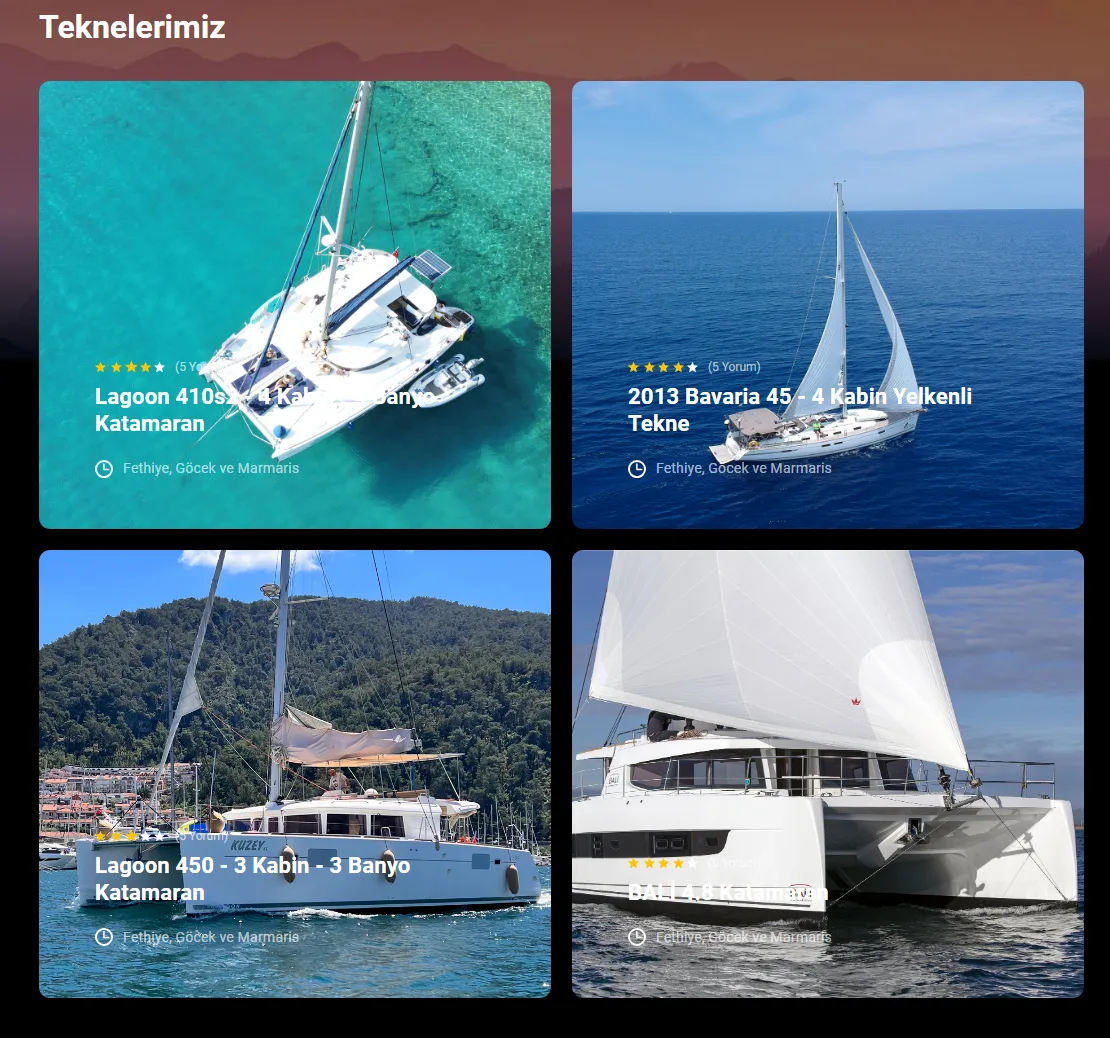
We illustrate the sales logic in this article not with a travel agency project but with a yacht charter business that has the same needs. For Aloha Sailing, a boutique brand chartering crewed and bareboat yachts in Fethiye, Göcek and Marmaris, we built an infrastructure that runs from the charter website to the admin panel. Below we explain the decisions we made and why.
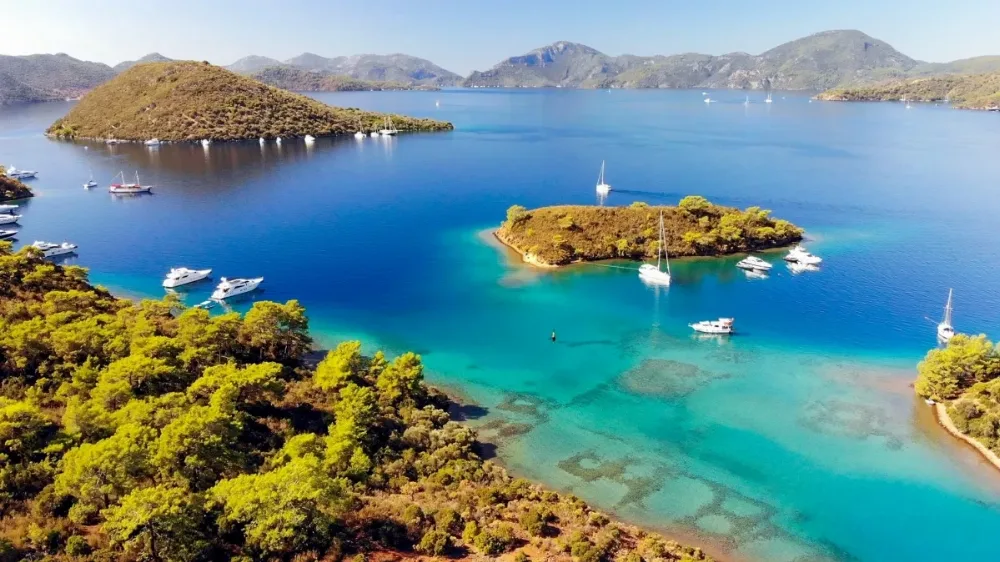
We gave every boat in the fleet of catamarans, sailing yachts and a gulet its own page with a daily availability calendar. Guests choose their Saturday-to-Saturday week and see availability and the weekly price on the same page; this is the same structure we recommend above for the tour page. We also linked the boat pages to the guides for the blue cruise route from Göcek to Tersane Island, Cleopatra Bay and the Yassıca Islands, offered as 3, 4 and 7-day itineraries. So guests can go straight from the route they dream of to a booking.
We set up prices to be managed from a single table as low, mid and high season. Because the prices on the site are calculated from this table, the team makes a single update for the new season and the change shows on every boat page at the same time. Fees for extra services such as airport transfers, Seabob, massage and drone filming are in the same table; as guests select them, the total updates instantly.
For payment we used the deposit model: 30 per cent of the amount calculated at the season price is taken by card during booking. We made the yacht charter agreement part of the booking flow, and guests accept it in the same step. Requests, quotes, bookings and payments come together in the guest record in the CRM, and the team follows the balance and the charter date with reminders.
On the operations side, we brought the weekly occupancy of every boat in the fleet into a single calendar. The calendar stops the same boat from being sold twice for the same week, and the team sees free weeks without checking spreadsheets. For a tour operator, the parallels are clear: the boat page becomes the tour page, weekly occupancy becomes tour availability, and the season table becomes the tour price structure.
Frequently asked questions
What happens when a tour is fully booked?
In a properly set up system, a departure closes to sales on every channel the moment it is full. Guests are offered other dates for the same tour. That way no booking is taken for a full departure, and your team does not have to call guests to apologise.
Should I take full payment or a deposit?
Both are possible; the choice depends on your cancellation policy, the tour price and how far ahead of the tour date the booking is made. A deposit can make the decision easier for guests on high-value bookings with distant dates. Whichever model you choose, leave tracking the balance and sending reminders to the system.
Does every tour need its own page?
For sales and search visibility, yes. Guests search for a specific tour such as “Kemer boat trip”, and the page that answers that search is the tour’s own page, not a general tours page. Tours that are very similar to each other can be offered as options on one page.
Can my own website replace my OTA listings?
OTA (online travel agency) platforms help you reach a wide audience and are an important channel for many businesses. Your own website, on the other hand, is the channel where you build a direct relationship with guests, set your own price and presentation, and pay no OTA commission. Think of the two together rather than as replacements for each other, and manage availability from one place.
If you want to sell your tours from your own website and manage availability and operations from one place, take a look at our online sales website service. If you are looking for a similar guide for clinics and health tourism, see our article on the health tourism website. When you are ready, let’s talk about your project.